At some point they did this


u/lukmly013 💾 (lemmy.sdf.org)
I like computers, trains, space, radio-related everything and a bunch of other tech related stuff. User of GNU+Linux.
I am also dumb and worthless.
My laptop is ThinkPad L390y running Arch.
I own RTL-SDRv3 and RSP1 clone.
SDF Unix shell username: user224
- 2 Posts
- 118 Comments
Joined 3 years ago
Cake day: June 17th, 2023
You are not logged in. If you use a Fediverse account that is able to follow users, you can follow this user.
 3·7 days ago
I only have experience with Plasma, but on X11 when I tap on the screen, it emulates a mouse click where I tap. And it also does when I swipe my finger, like holding a clicked mouse and moving the pointer. And gestures don’t work, though I think that one can be fixed.
Wayland just works. When I want to select text, press and hold like on a phone. When scrolling something, I just swipe it like on a phone (except for LibreOffice, that one is an absolute mess on Wayland). Especially nice with drawing programs. Stylus acts just like what I described with finger on X11 - it controls mouse pointer.
In effect this means that with fingers I can move around and zoom, while with stylus I can draw or select text.And then GTK 4.20 breaks Rnote and I can only use it via Xwayland…
Anyway, for a touchscreen device, I had more luck with Wayland.
I prefer Wayland because I use a 2-in-1 ThinkPad. No thanks X11, I don’t want a click on touch mouse pointer.
Germany, Czechia and Austria are usually placed in Central Europe
Come on, we used to be Czechoslovakia, remember us. We Slovakians also want to be called Central Europe.
Problem is, Linux Mint installer says nothing about that as far as I recall, and just offers a convenient slider to allocate space between Windows and Linux.
And that was my first computer. Yeah, I am relatively new to computers.
But hey, I only lasted with Windows for 2 days. In Windows 10 I couldn’t even wrap my head around when to use Control Panel and when settings, because look, mature OS, we have Settings 1 and Settings 2.
In comparison, Linux Mint 20 MATE was far simpler, so having really used neither, I went with the easier one. However, that doesn’t mean I had any idea what I was doing. I didn’t even understand the concept of partitions.
Just imagine a total newbie.
“Where is the file stored?”
“On… the computer…?”
Just boot partition?
I once installed Linux Mint by shrinking Windows 10 partition in Linux against the recommendations. On first Windows boot it seemed fine, except that C: was still showing the old size.
On next Windows reboot it got annihilated with “Repairing drive C:”.
XcQ
don’t click you!
That’s why I say “for future people”.
For the future people, who will be curious what is actually under that number: https://github.com/archlinux/archinstall/issues/4269
I’d like something like on Cisco equipment.
Tab completes a command
? prints possible options with brief descriptions, filtered by starting letters if you already typed anything
if there is just one option left, you can just use it directly, so you can write shortened commands (similar to ip commands on Linux)
I cannot even tell apart many videos now.
I probably got something like that. I am not really into minimal installs, kde-applications-meta and plasma-meta is what I go with. Absolutely everything.
I just wish I could safely use KDE Discover for updates. That’s probably what would work with “apply updates on reboot”, which sounds like the safest option. But for some reason packagekit-qt6 which would (probably) make this possible is not recommended to use.
Preferably I’d go with something like KDE Neon or Kubuntu. I just really like KDE. But there’s just no sweet spot for me. Arch gives me new packages with all the bugs. Each update feels scary, what will I discover. Based on my Timeshift notes, last point without major bugs was 31st of October. Something like Linux Mint was stable, but I was missing some newer packages, and even drivers when my laptop was new. And major version upgrades also feel scary. Although, I don’t even know how they work. This is where Arch makes more sense to me. Linux as desktop OS is really just a huge bunch of packages working together, and they slowly get updated. When packaged into an entire OS, how do you even define a version?
Dramatic music

Until it does not.
 2·1 month ago
Cisco coming up with ARF and WRF to make that false.
I mean, I do put in http://149.13.0.80/radio1hi.aac to listen to Radio 1. I also use it to test my network when DNS potentially screwed up.
I used to remember the domain name, then I did the IP for fun, now I only remember the IP. Perhaps I could do reverse lookup, but it’s been working for quite a while now.
I am good, I am self hosting plenty of entertainment!
1 minute later
AWS outage took down Tailscale, I have nothing.
Neither. It’s about using screen pixels to make vertical/horizontal lines, using aliasing as feature.
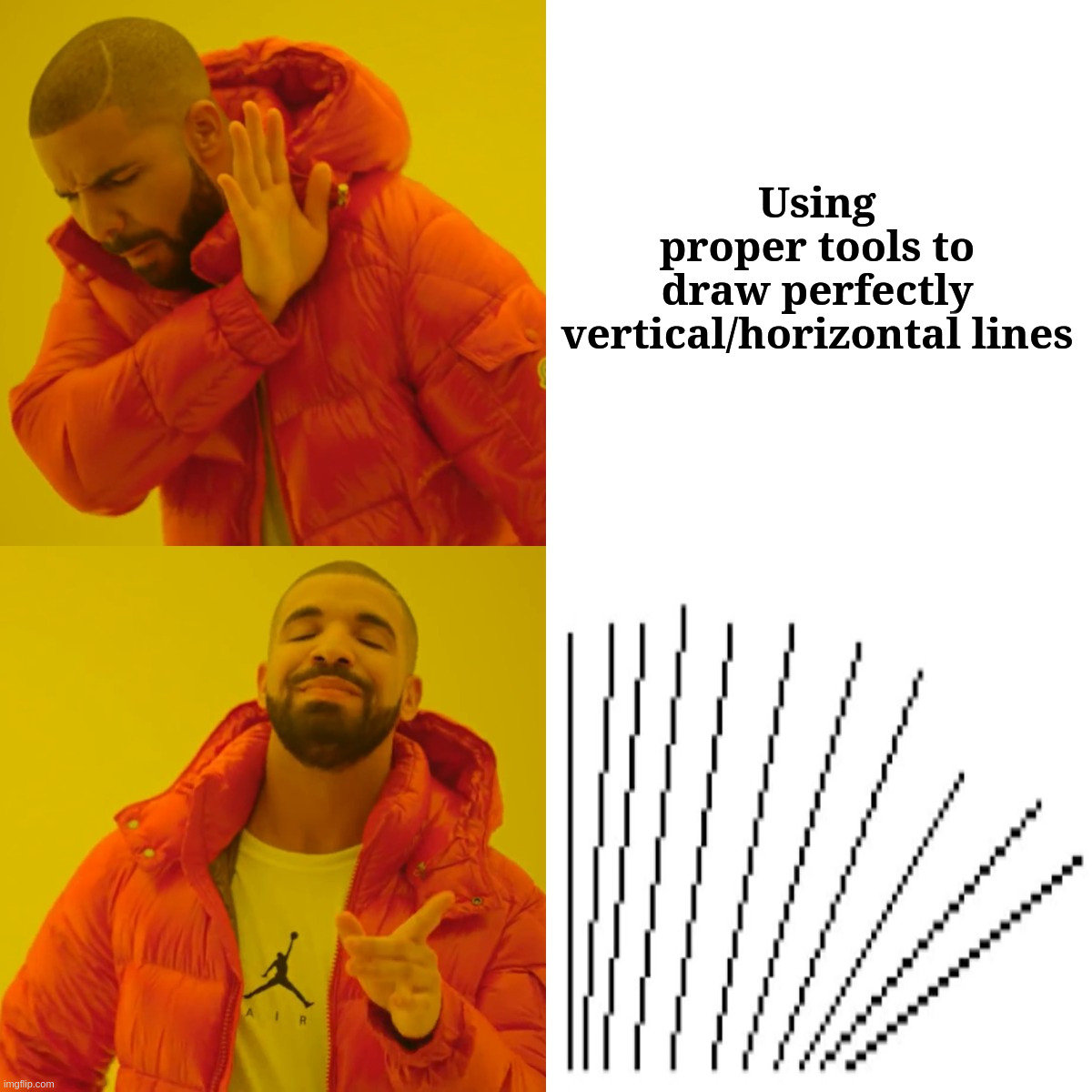
I tried catbox, but that didn’t embed, and our instance is too slow to host images.
Durning peak loads, I may wait up to 2 minutes to fully load lemmy.sdf.org.
Otherwise I’d avoid Imgur as I always get 403 with a VPN, and I basically always use one.

Unfortunately, this is rather dependent on manufacturer (or rather how much they can fuck up).
Android 14, but without exFAT support.
I tried multiple, exFAT, ext4, f2fs, NTFS, nothing else works.
Iamdeepandthisis14